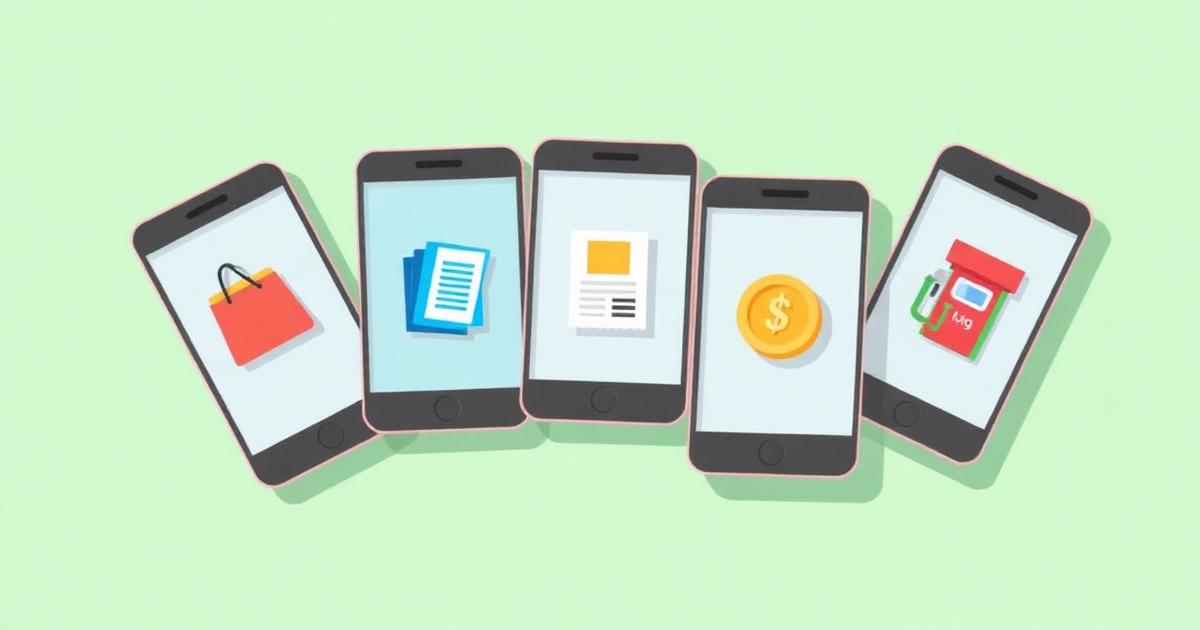
Cashback apps promise the same thing: pay for stuff you were already going to buy, get a slice of the money back. What trips beginners up is that each app earns its cashback in a completely different way — and using the wrong app for a given purchase leaves real money on the table. Here's the plain-English breakdown of the four apps most people start with.
Rakuten — the online shopping portal
Rakuten is a shopping portal. You open the Rakuten app or browser extension before checking out at a supported store, click through to the retailer, and Rakuten earns an affiliate commission that it splits with you. Rates typically run 1%–10%, with regular promos pushing certain stores to 12%+.
- Best for: online orders at large retailers (department stores, electronics, travel).
- Payout: cash via PayPal or check, usually quarterly.
- Watch out for: forgetting the click-through — no click, no cashback.
Ibotta — the receipt & offer app
Ibotta pays you for specific products, mostly at grocery stores, drugstores, and big-box retailers. You browse offers in the app before shopping, buy the qualifying items, then either scan your receipt or link a loyalty account so Ibotta can verify the purchase.
- Best for: groceries, household staples, and brand-name products.
- Payout: cash to PayPal/Venmo or gift cards once you hit the $20 minimum.
- Watch out for: offers that require you to 'add' them before purchase — miss that step and the receipt won't credit.
Fetch — the passive points app
Fetch is the easiest of the four. Scan any grocery, restaurant, or retail receipt and Fetch awards points — no offer selection required. You earn extra points for participating brands, but you get something for every eligible receipt.
- Best for: shoppers who want zero-effort rewards on receipts they'd throw away anyway.
- Payout: gift cards (Amazon, Target, Walmart, Visa, and hundreds more).
- Watch out for: the exchange rate — Fetch points are worth roughly $0.001 each, so treat it as a bonus layer, not your main app.
Upside — the gas & food app
Upside pays cash back on gas, groceries, and restaurants. You claim an offer in the app before you pay, then pay with a linked credit or debit card at the participating location. Upside verifies the transaction automatically.
- Best for: gas fill-ups (often 15¢–25¢ per gallon back) and local restaurants.
- Payout: cash to bank, PayPal, or gift cards — no big minimum.
- Watch out for: expiring offers. Claim in-app before you swipe or you get nothing.
Which app should you install first?
You don't need all four on day one. Pick based on how you actually spend:
- Mostly shop online? Start with Rakuten.
- Big weekly grocery run? Start with Ibotta.
- Drive a lot? Start with Upside.
- Want the lowest-effort option? Start with Fetch.
Using them together (the easy way)
The apps don't compete — they layer. A typical week for someone using all four looks like this:
- Online orders → Rakuten click-through, then pay with your best cashback credit card.
- Grocery run → activate Ibotta offers before shopping, scan the receipt in Fetch afterward.
- Gas fill-up → claim the Upside offer before swiping.
- Restaurants → check Upside first; scan the receipt in Fetch after.
For a full walkthrough of the card-portal-receipt layering method, read our guide on how to stack cashback rewards.
That's it. Two clicks and a receipt scan turn ordinary spending into a steady rebate stream. If you want to see how these apps compare to browser-based shopping portals, our guide to cashback apps vs. portals walks through exactly when each one wins.
Finally, new cashback users should also know the common traps. Our breakdown of cashback mistakes to avoid covers the ones that silently erase your earnings.